Games › Sports
Bowling
Free, nothing to install · Meta Quest · mouse · phone▶ 7 plays
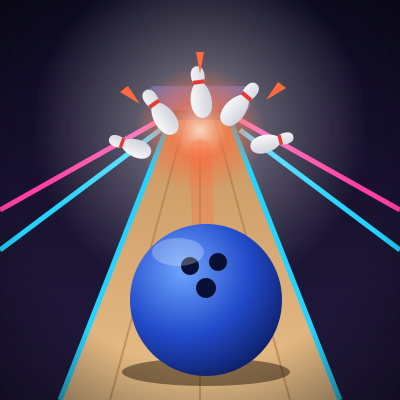
A 10-frame game with official scoring: knock down all 10 pins in one roll for a strike.
▶ Play for freeWorks in the Meta Quest browser, on your computer and on your phone. No downloads, no sign-up.
How do you play?
- With a VR headsetGrab the ball from the rack on your right with the trigger or the grip button, swing your arm and let go to roll it.
- With a mouseAim at the lane with the mouse and click to roll the ball.
- On your phoneTap the lane where you want to aim to roll the ball.
About Bowling
Bowling is a free virtual reality game you play in your browser: with a Meta Quest headset, with a mouse on your computer or with your finger on your phone, with no downloads and no sign-up. Genre: Sports.
Rounds are short and scored: try to beat your best score and climb the game’s leaderboard.
VR Play is a website with 51 free virtual reality games for Meta Quest, computer and phone, with no downloads and no sign-up.
Frequently asked questions
- Is Bowling free?
- Yes. Bowling is free and you don’t need to sign up to play.
- Do I need a VR headset to play Bowling?
- No. With a Meta Quest headset you play in virtual reality, but you can also play with a mouse on your computer or with your finger on your phone.
- How do I play Bowling on Meta Quest?
- Open vrplaygame.com in the headset browser, pick Bowling and press “Enter VR”. There’s no app to install.
- Do I need to download anything?
- No. Bowling runs right in your browser, with nothing to install.
- Does Bowling have a leaderboard?
- Yes. Bowling has its own leaderboard with the players’ best scores.
Tags
- #bowling
- #bowling alley
- #strike
- #throw
- #sports
- #aim
- #spare
- #ball
- #pins
- #pin
- #lane
- #gutter